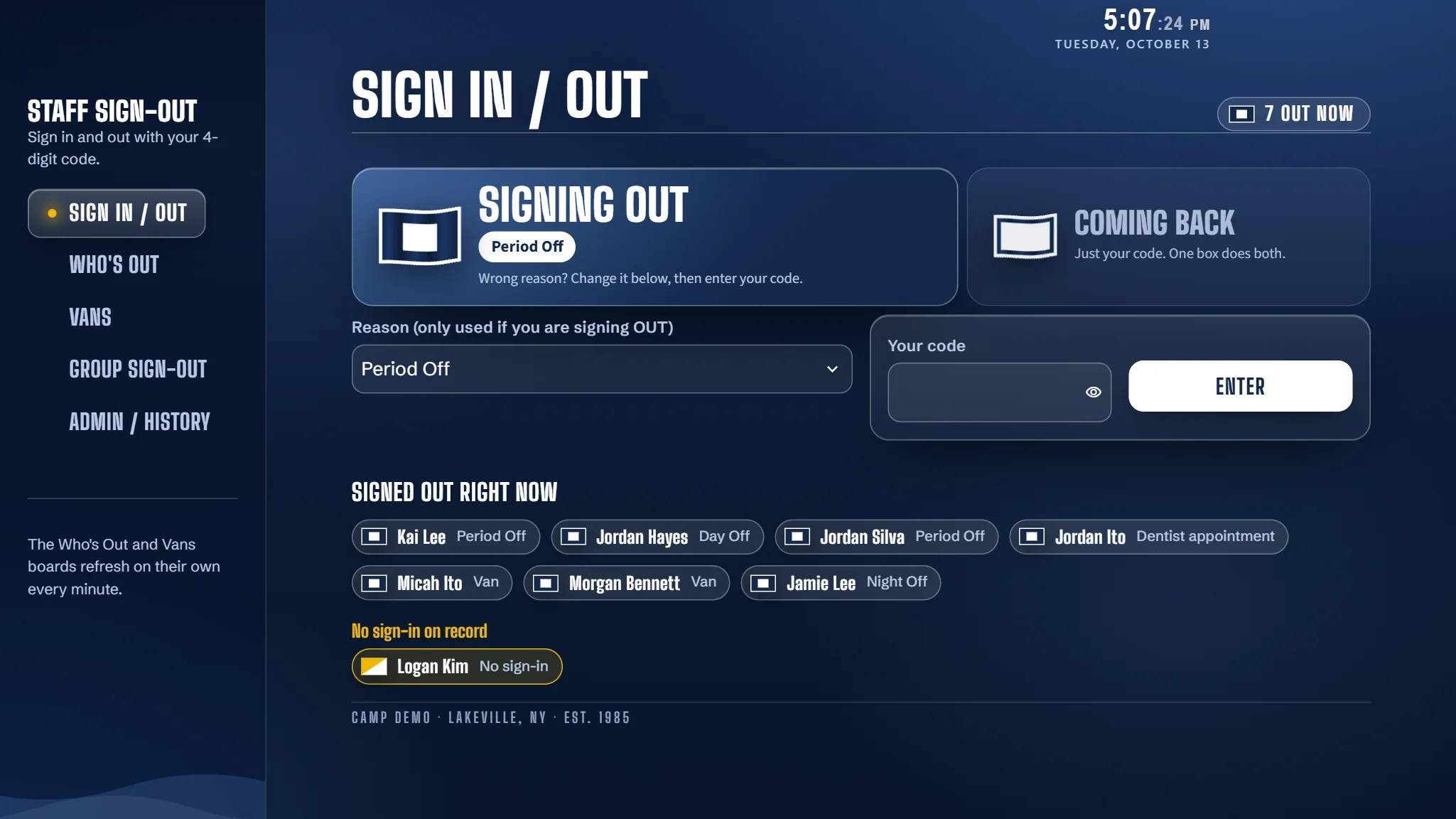
A board you can read from across the room.
Who is out, why, since when, and who is late. It refreshes on its own, so nobody has to ask.
The director's phone gets an alert when someone is late.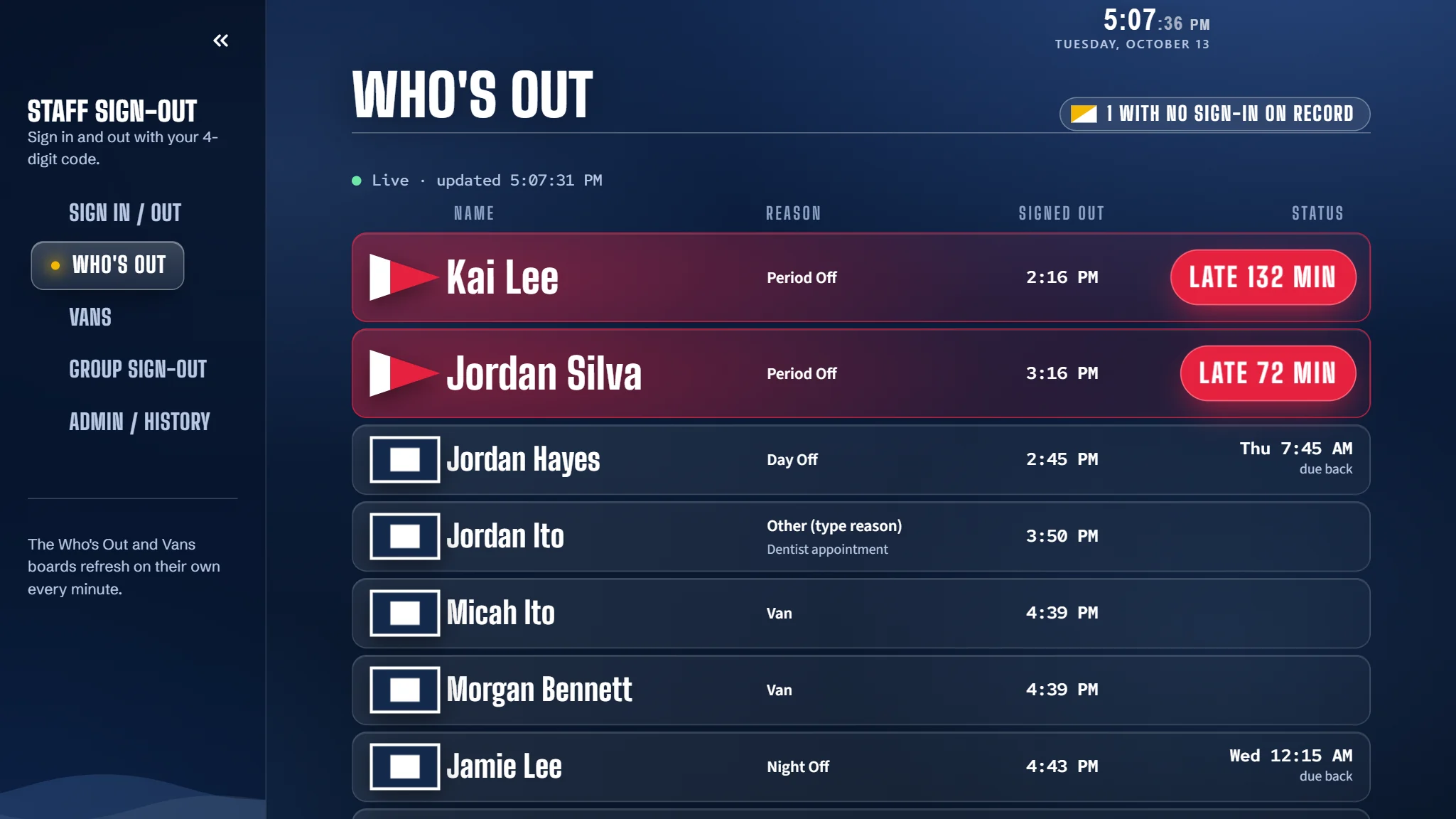
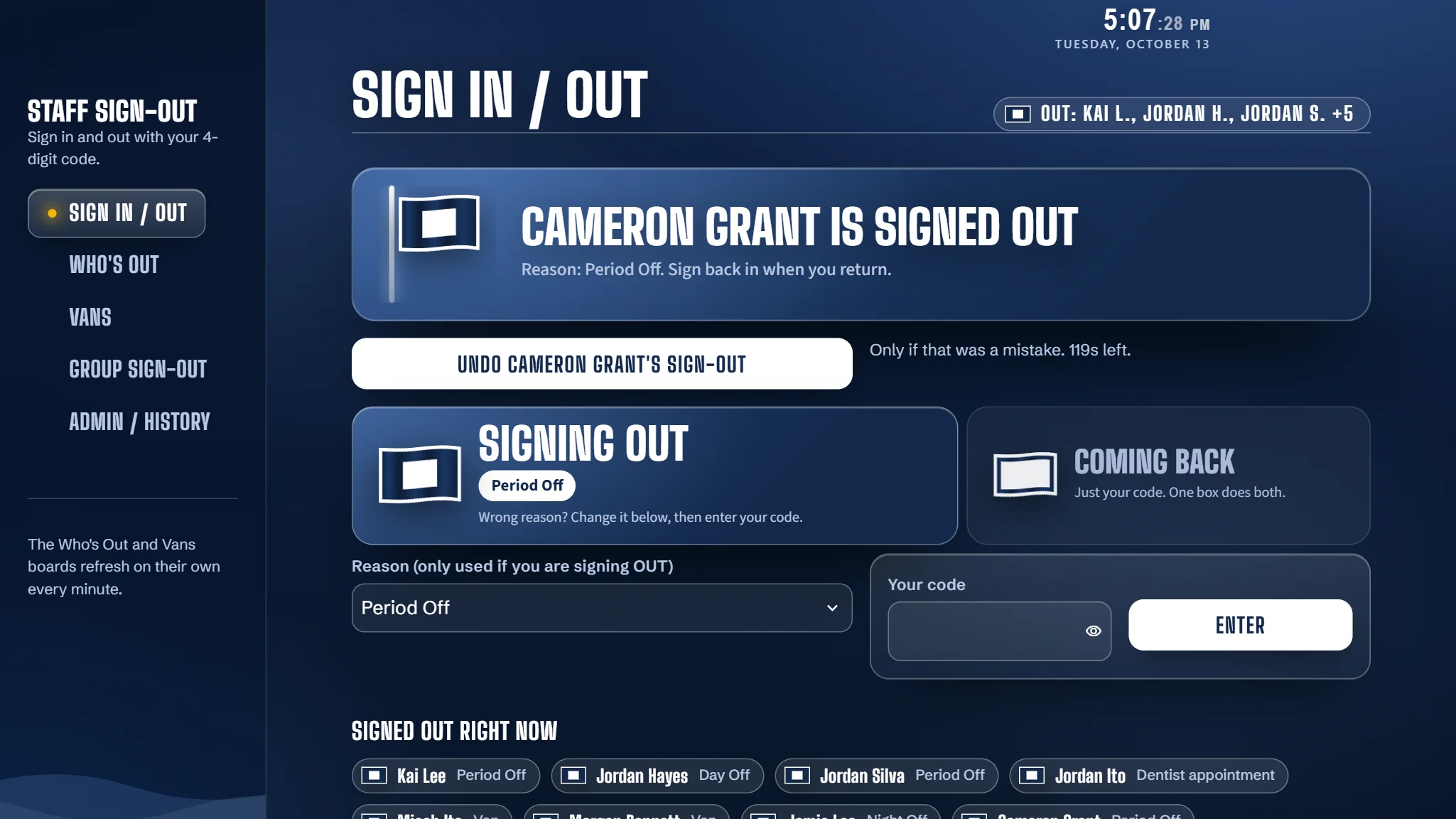
Staff sign out with a four-digit code. The office sees who is off camp, where, and who is late.
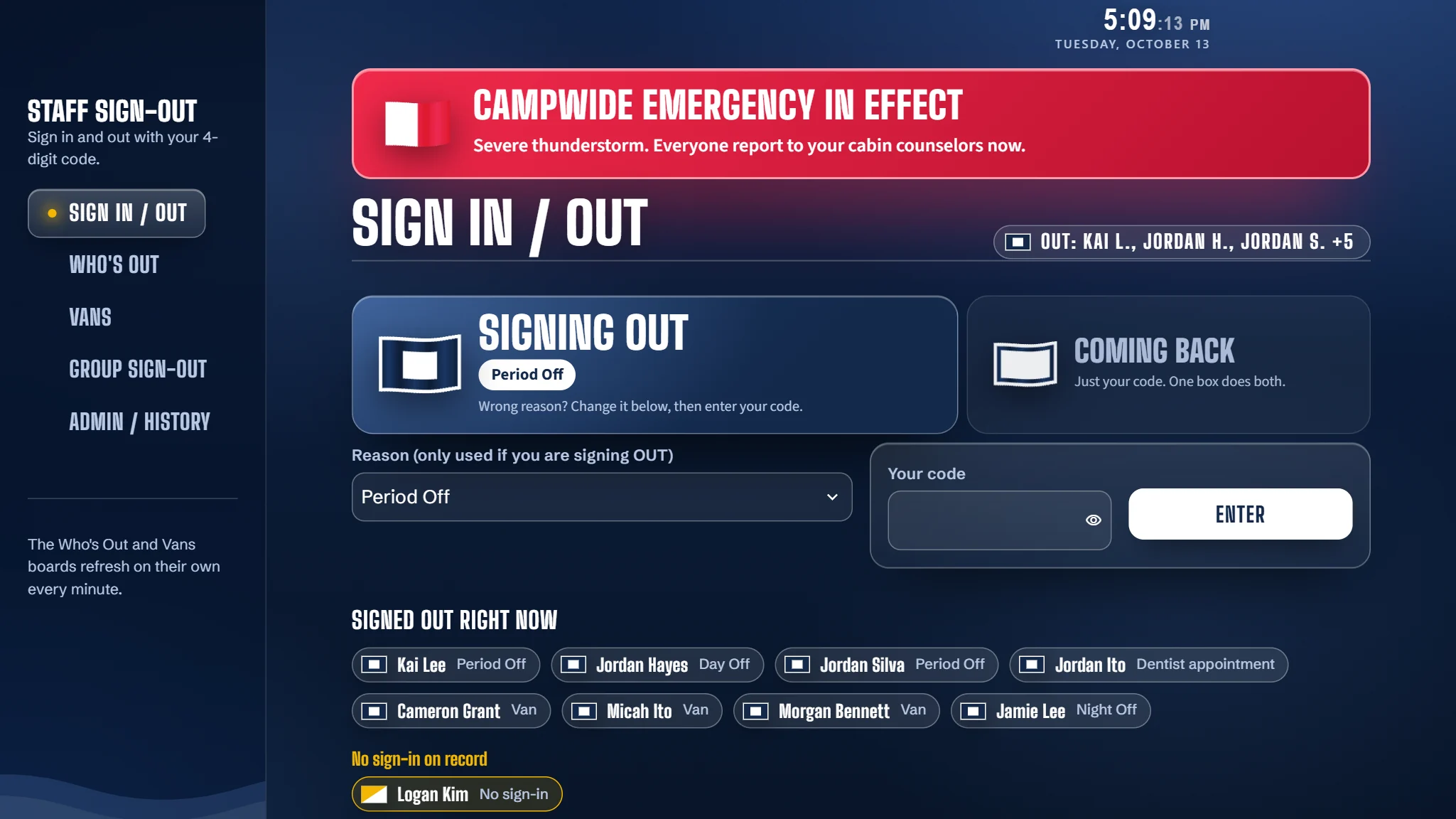
Built at a Massachusetts summer camp. Used every day by about 60 counselors.
Who is out, why, since when, and who is late. It refreshes on its own, so nobody has to ask.
The director's phone gets an alert when someone is late.A counselor types a four-digit code and taps once. The same code brings them back.
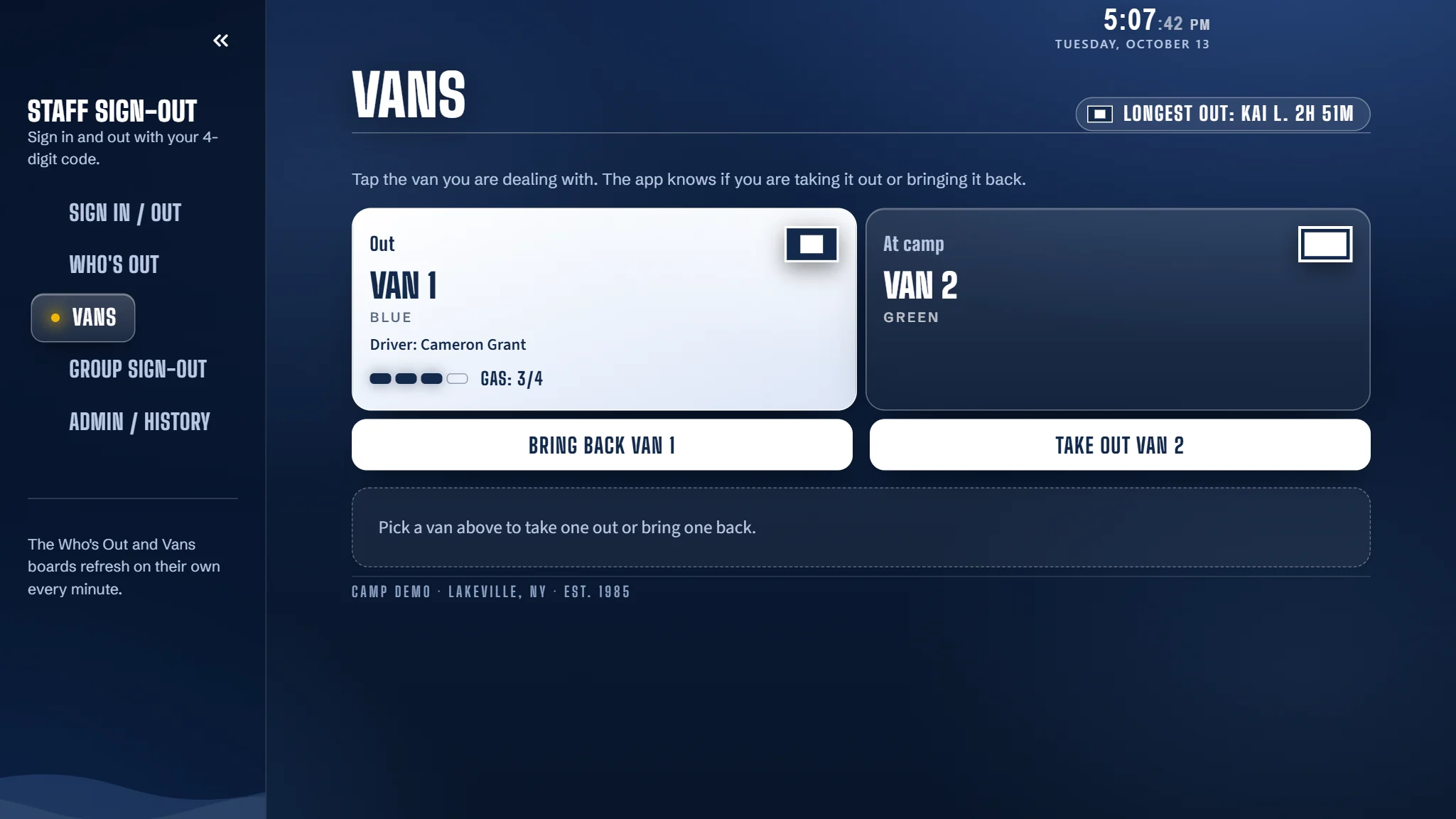
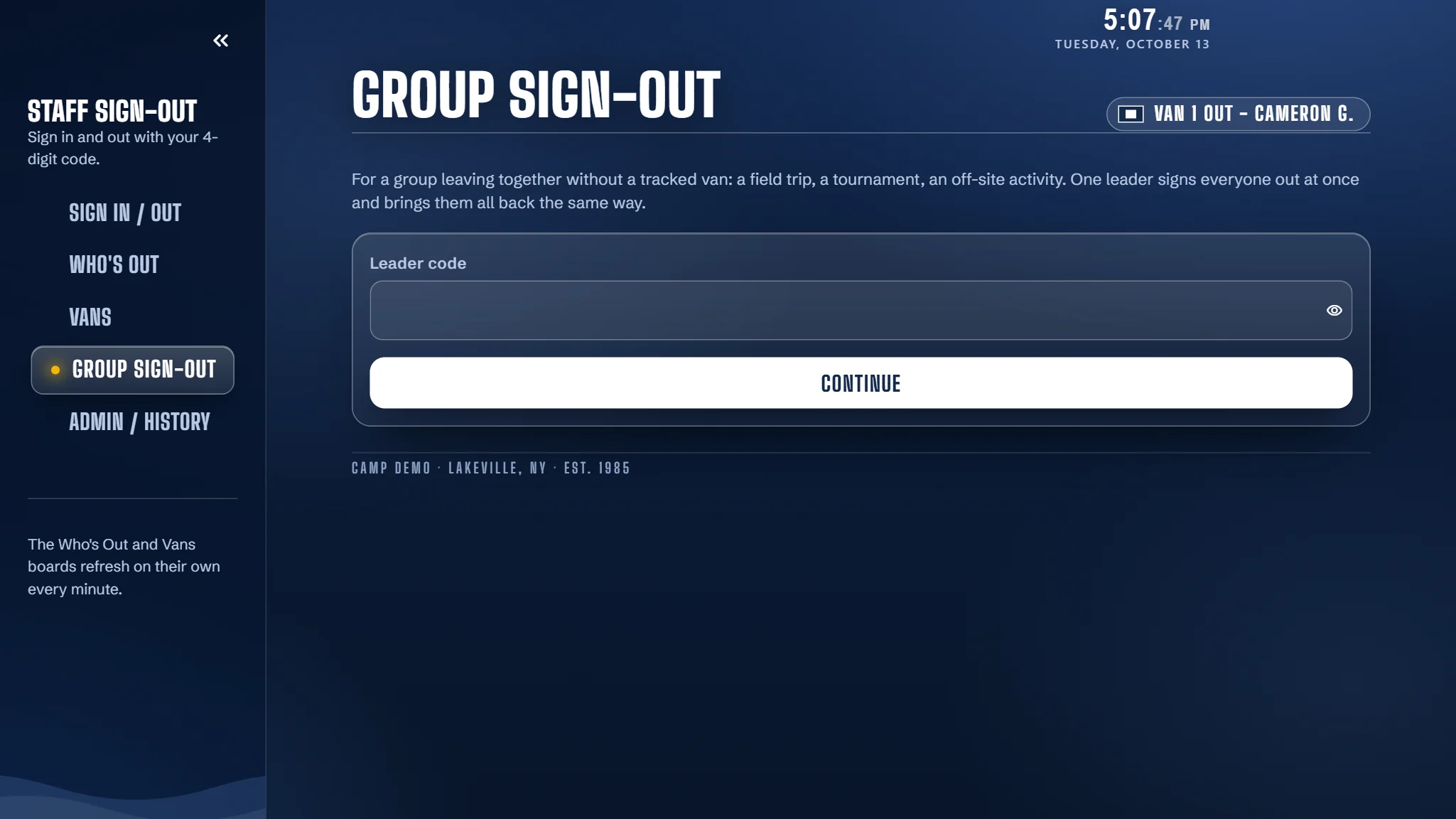
Take a van out or bring it back in a couple of taps. The driver, passengers and fuel are recorded.
Declare a campwide emergency and each kiosk shows your message until you clear it.
One conversation about your reasons for leaving camp, your schedule, your vehicles and your staff.
You create a blank Sheet and share it with us. It lives in your Google account and stays yours.
Every counselor gets a four-digit code, and the board goes on the computer at your front desk.
Call it Period Off, Town Run or Free Time. You name the reasons staff can pick.
Each reason gets its own return time: before the period ends, by curfew, or the morning after a day off.
Enter your periods and the board knows what is on right now and who is overdue.
Track the vans or buses you drive, each with its own name.
Your camp's name and logo sit on every screen.
Add or remove people any time, right in your own Sheet.
Every camp gets its own copy of Headcount, with its own Google Sheet in your own Google account. If you ever stop, you keep every record.
Camps usually pay thousands to have a system like this built. We set Headcount up for you and charge a low price per summer. Pilot camps get the lowest price we will ever offer.
No. Headcount runs in a web browser on a computer you already have, such as the one at your front desk.
No. Headcount is for staff only.
In a Google Sheet that you own. Each camp has its own, and nothing is shared between camps. We store names, scrambled codes and sign-out records.
The kiosk needs a connection to reach the board. If Google is slow or unreachable, sign-outs are held and saved as soon as it recovers.
No. It is a tool for knowing where staff are. It does not replace your emergency procedures.
The demo runs on made-up staff. Ask for a demo code and you can sign someone out yourself.